


 Alek
Alek

Most advice about AI image editing starts in the wrong place. It promises you’ll fire your designer, or never open a stock photo library again. What the technology actually does at the scale a small business or solo creator operates is smaller and more useful than that: it removes the friction between having an idea and getting a usable image in front of an audience.
Start with what one post costs in time. Poppify’s 2026 research breaks a single manual post into roughly 90 to 180 minutes once you count choosing the image, editing and cropping it for each platform, writing the caption, and picking hashtags. Five posts a week is about ten hours of work.
That’s the reason many owners skip it altogether. A May 2026 survey of 1,000 US small business owners, commissioned by Adobe Express and conducted by Talker Research, found 69% would prefer to outsource their creative work, with 41% naming cost as the main barrier. Hiring a designer solves the quality problem and not the volume one: freelance social design runs about $15 to $150 per post, and a retainer that keeps you posting regularly usually lands between $400 and $3,000 a month.
My position, up front: AI image editing earns its keep in the unglamorous middle of the work – the cleanup, the resizing, the variations – not as a replacement for creative direction. Teams that use it to make more versions of a considered idea get better. Teams that use it as a cost shortcut end up looking like everyone else running the same prompts.
1. The five-minute fixes that decide whether a post goes out
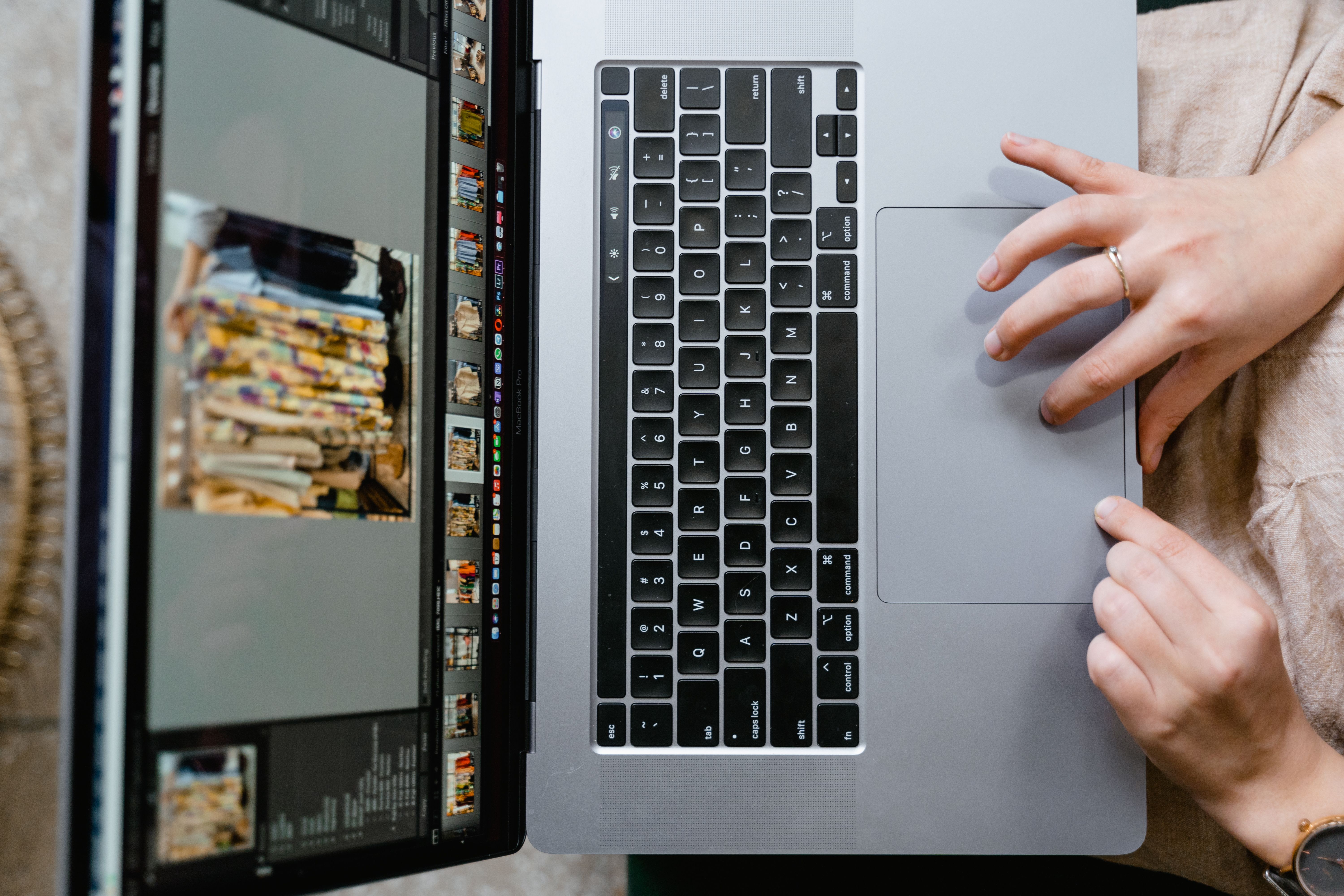
Nothing kills a good photo faster than a small flaw. A photobomber. A cluttered background. A power line through the sky. A product shot with visible dust. Fixing any of those used to mean opening a layer-based editor, or posting something worse instead.
Prompt-based editing collapses that decision. You describe the change – “remove the sign, keep everything else” – and the tool returns an edited version. Tools built for exactly this, such as the Magic Hour image editor, handle object removal, background swaps, retouching, and text removal from plain language. It runs in the browser with no sign-up, most edits finish in under 10 seconds, and the free tier gives you a few edits a day without a watermark.
The usage data suggests this is the real job people have. PixelPanda, which publishes first-party platform data, found that photo enhancement (10,301 tasks) and transparent-background conversion (9,304) together made up more than half of the roughly 38,000 free editing tasks completed on its platform in a single 30-day window. The dramatic transformations get the demo videos. The boring cleanup is what actually gets done.
2. One good photo, every format you post
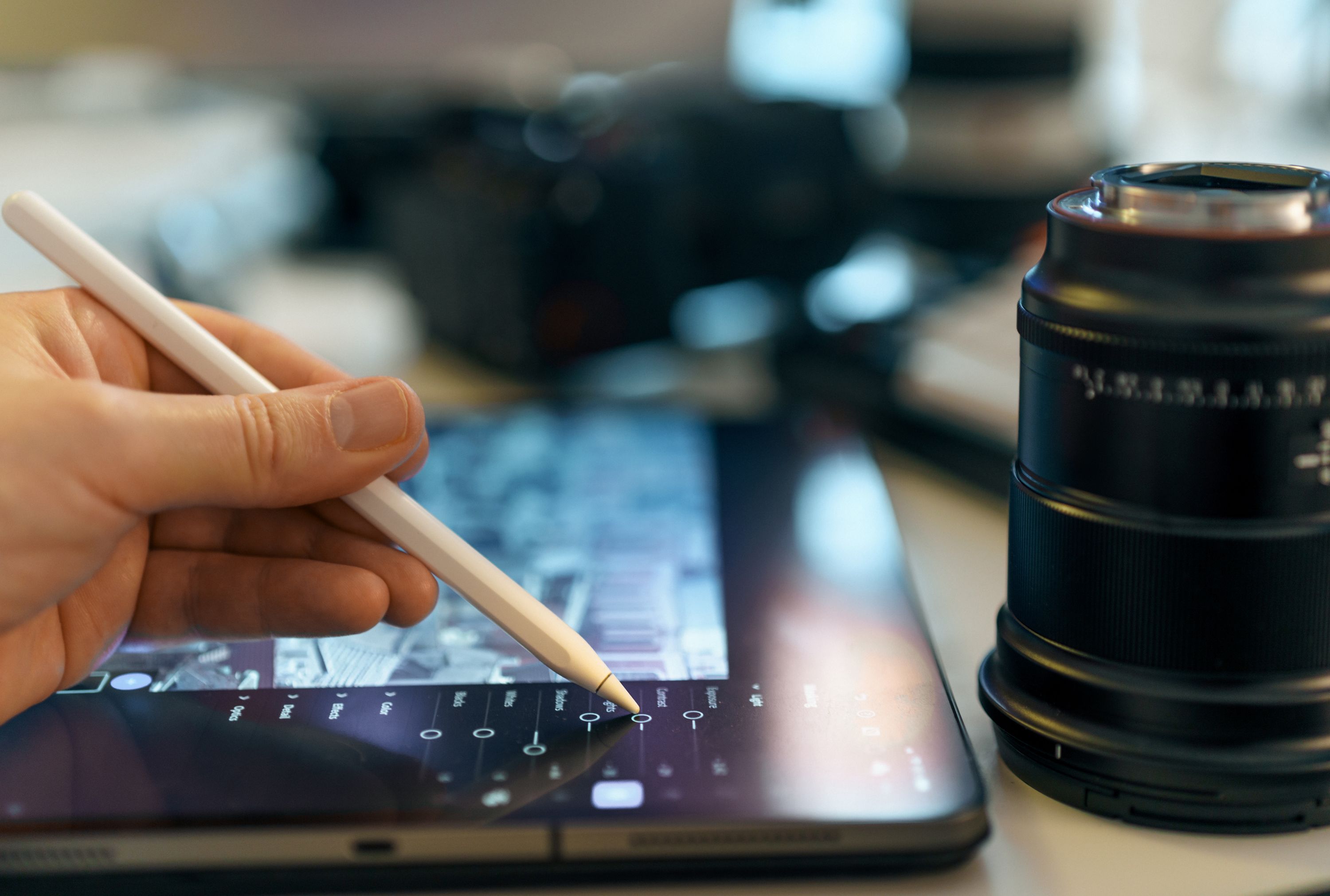
A single image never lives in one place. The same shot has to work as a square feed post, a vertical Story, a 4:5 carousel slide, and a wide banner, each with different space for text. Reformatting is where a surprising number of hours disappear.
AI editing attacks it two ways: resizing to platform specs, and outpainting – extending the background beyond the original frame so a 1:1 shot becomes a believable 9:16 without regenerating the subject. That’s the difference between “we only have the square version, post that” and actually using the format each platform rewards.
The clearest documented case I found is Harlo, a direct-to-consumer pet accessories brand. Facing a compressed six-week restock with 90 SKUs to shoot, the team used an AI background remover and image expander on supplier photos and produced 90 marketplace-ready images in four days. The previous agency process took 12 to 14 days – a 70% cut in production time – and the listings went live before the inventory arrived.
3. Test ten ideas instead of two
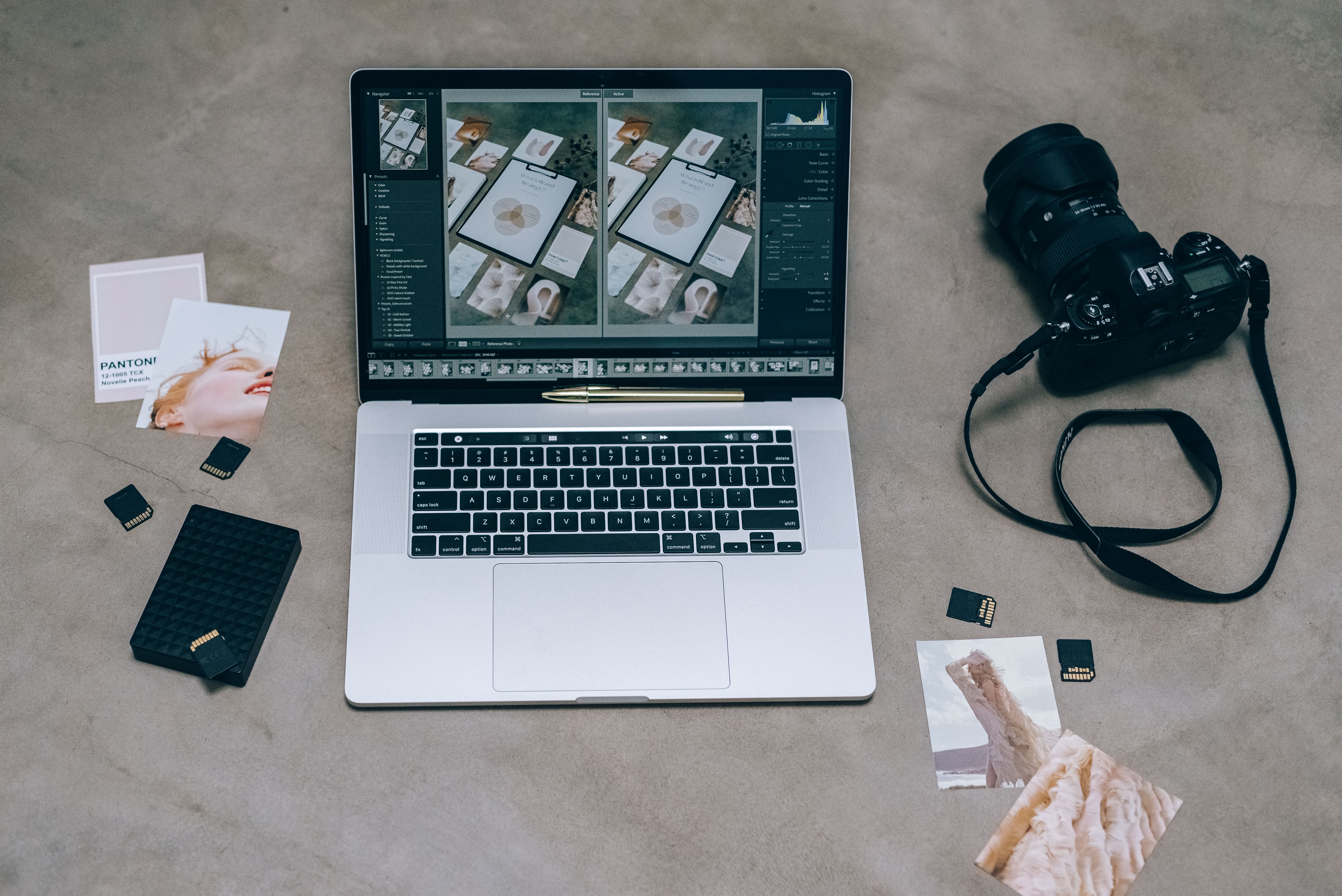
This is the part I think most people underrate. The performance advantage of AI editing isn’t that any single image beats a designer’s work. It’s that you can afford to find out which image is better.
G2’s 2026 State of AI Image Generation report, drawn from more than 2,000 verified reviews, found that one in four reviewers use AI image generation mainly to cut design time and effort, and six of the seven vendors surveyed said customers reported more experimentation. When a variation costs seconds instead of a day, testing five or ten versions of a concept stops being a luxury.
4. Look like a brand, not a stock-photo account
The old knock on AI is that it makes everything look the same. The 2026 answer is more interesting: used well, it does the opposite. Reference images and saved style presets let you apply your own color, lighting, and composition across a series, so a month of posts reads as one account rather than a pile of unrelated clips.
Adobe’s April 2026 study of 431 small business owners found 52% who used AI-generated images reported a positive impact on social engagement, with the most common gains being more likes and reactions (23%), more profile visits (20%), and more reach (15%). It’s self-reported and Adobe sells the tools, so read it as a signal rather than proof. Still, it points the same direction as the vendor data: consistency is the part that compounds.
5. Squeeze more posts out of photos you already have
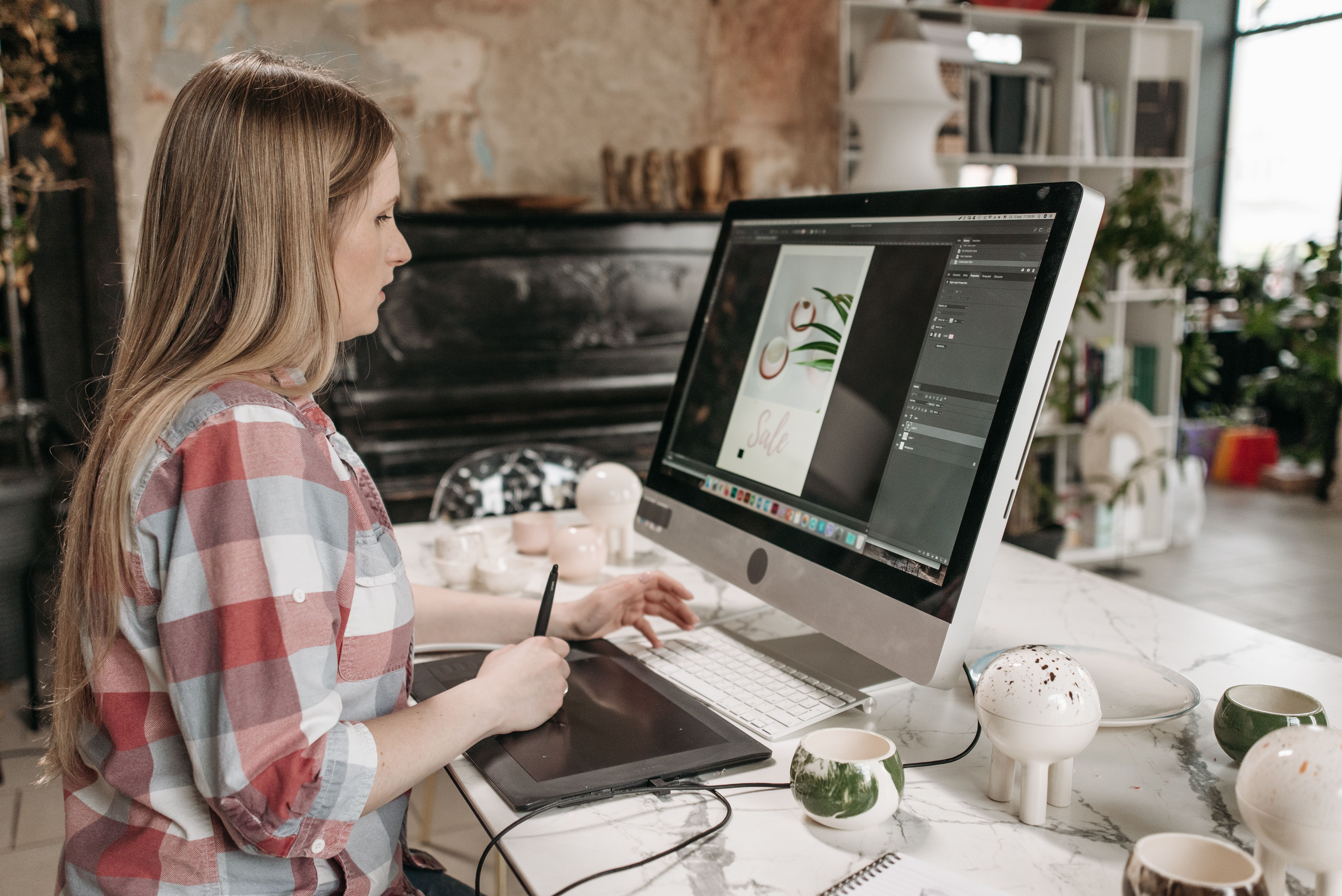
Seasonal and campaign variants made by editing existing images, instead of booking a new shoot, are the least glamorous win and probably the most practical. A summer photo becomes a winter one. One product still becomes a lifestyle scene. A hero image becomes ten posts.
This matters because of how platforms reward consistency. Buffer’s analysis of more than 52 million posts found that accounts posting in at least 20 of 26 measured weeks saw roughly 450% more engagement per post than sporadic posters. You don’t need ten new photographs a week. You need ten usable posts, which is a different problem – and a solvable one.
The math, side by side
Put the two paths next to each other and the trade is clearer than any single number.
| What it takes | Hiring it out | Doing it with AI editing |
|---|---|---|
| One feed post | $15–$150 per post | Edits measured in seconds; tool cost $0–$60/month |
| One Story or Reel graphic | $20–$100 per asset | Reformatted from the same source image |
| One 5–10 slide carousel | $75–$400 per carousel | One hero image, extended and varied |
| A month of regular posting | $400–$3,000+ retainer | Fixed subscription plus your review time |
| Time per finished post | 90–180 minutes manually | A few minutes, mostly review |
Designer pricing from Graphic Design Eye’s July 2026 guide; manual time per post from Poppify, May 2026; AI edit time from Magic Hour’s published figure, checked September 2026. AI-assisted figures vary by tool and asset and exclude your review time.
What AI editing still won’t fix
Here’s the honest part, and the reason I wouldn’t cancel the designer.
AI editing doesn’t tell you what is worth making. The AI Journal’s August 2026 analysis of the shift makes the point sharply: as production costs fall, the bottleneck moves from capacity to creative direction – knowing which variations are worth testing and which treatments actually fit the brand. Its warning is the one to sit with: teams that treat AI editing purely as a cost-cutting shortcut tend to watch their content grow interchangeable with everyone else using the same tools.
The practical costs are real too. G2’s report names where hidden spending piles up: iteration time, post-editing, prompt optimization, and moving between tools. One small business reviewer on the platform described the cost of credits as “prohibitive for most small businesses.” Free tiers are genuinely useful – and genuinely limited.
So where does that leave you? Use AI editing for the middle of the pipeline: cleanup, formatting, variation, reuse. Keep human judgment at the two ends – deciding what the image should say, and checking whether it says it. If you’d rather hand your entire visual identity to a template, you want a designer or at least a style guide first. AI editing will then make that guide go much further.
A dilemma worth sitting with: if a tool lets you ship five posts a week instead of two, but three of them are safe variations on a theme a competitor is also running, is that a win? I’d take the volume and spend the saved hours on one genuinely original post each week. Most people, I suspect, take the volume and skip the original.
The disclosure rule that trips up most brands
If you’re editing or generating realistic people, places, or scenes, label it. The transparency obligations under Article 50 of the EU AI Act became applicable on 2 August 2026, requiring anyone publishing a deepfake – a realistic image, audio, or video resembling real people, places, or events – to disclose that it was generated or manipulated. Non-compliance can draw fines of up to €15 million or 3% of worldwide annual turnover.
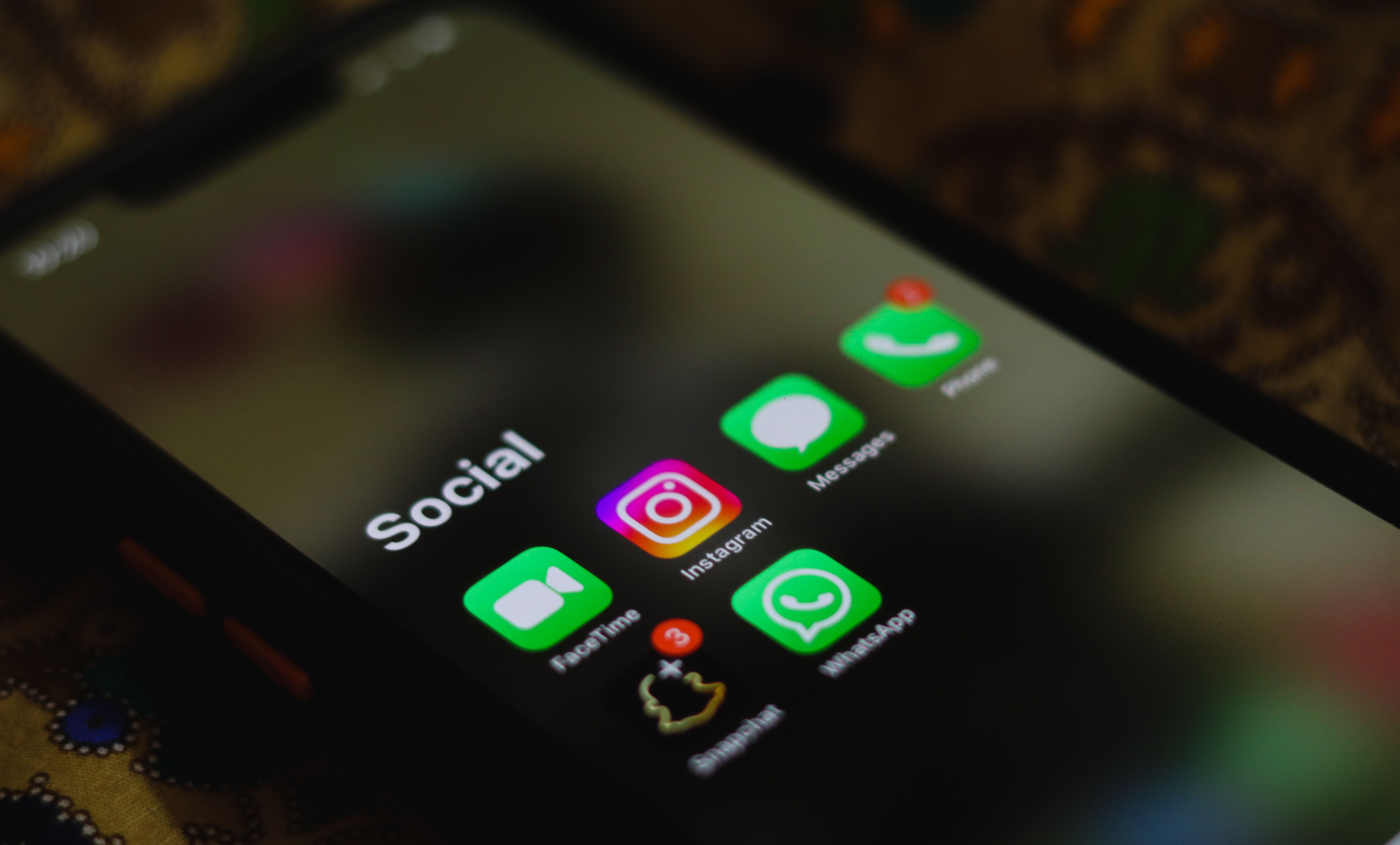
The platforms got there first. TikTok requires a label on realistic AI visuals and audio; Instagram and Facebook apply an “AI info” label; YouTube asks for an altered or synthetic content disclosure. One simplification cuts through all three policy documents: the trigger is realism, and AI-assisted captions, scripts, and hashtags are exempt. Clearly stylized or cartoon imagery generally doesn’t need a label either. Cleanup edits sit in a grayer zone – and when in doubt, a one-line disclosure costs you nothing, while a missing label can cost reach.
How to start this week
Don’t rebuild your workflow. Take your three most tedious or worst-performing posts from the last month and run them through one prompt-based editor. Fix the flaw you’ve been tolerating. Then make two extra versions of your best-performing image and post them on different days. If the cleanup alone returns an hour a week, you’ve found your answer.
Frequently asked questions
Can AI image editing really replace a graphic designer?
For routine production – resizing, cleanup, variations – often yes. For creative direction, brand strategy, and original concepts, no. The setup that works for most small teams is AI editing plus a designer for the handful of assets that anchor a campaign.
Is AI-edited content allowed on Instagram, TikTok, and Facebook?
Allowed, and increasingly labeled. All three require disclosure when synthetic visuals or audio could be mistaken for real people, places, or events. AI-written captions, scripts, and hashtags fall outside the labeling rules.
Do I need design skills to use an AI image editor?
No. Prompt-based editors work from plain-language descriptions without layers or masking. A specific prompt – “remove the person on the right, fill with the wall” – works far better than a vague one like “fix the background.”
Will AI-edited images hurt my engagement?
The available evidence doesn’t support that. Adobe’s April 2026 survey of 431 small business owners found 52% reported a positive engagement impact from AI-generated images. It’s self-reported and vendor-funded, so treat it as directional. The bigger risk than the tool itself is publishing unedited, generic output.
How much does AI image editing cost compared to a designer?
Freelance social design runs about $15 to $150 per post, with retainers from $400 to $3,000 a month. AI editing tools typically cost $0 to $60 a month on top of your time. The trade is cash for iteration time, and the math favors AI most when your volume is high and the stakes per asset are low.
How this article was put together
I based the pricing, time, and engagement figures on sources published in 2026 and named them in the text: Poppify’s post-time research (May 2026), Graphic Design Eye’s social design pricing guide (July 2026), G2’s State of AI Image Generation report (August 2026), Adobe’s vendor-funded survey of 431 small business owners (April 2026), PixelPanda’s first-party usage data (July 2026), and the European Commission’s Article 50 guidance (August 2026). Where a source had a commercial interest, I’ve said so. I couldn’t independently verify the time savings vendors advertise, so I’ve leaned on the traceable numbers. Pricing and platform labeling rules change often – recheck both before committing a budget.
